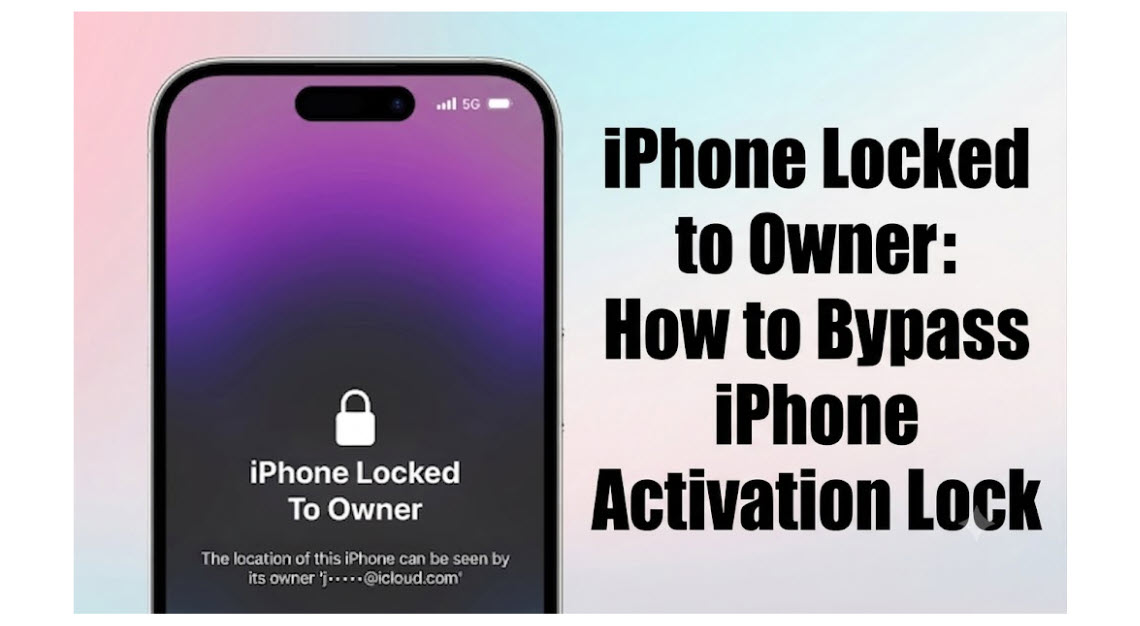
An “iPhone locked to owner” message appears when a device is secured by Activation Lock, a security feature that protects Apple devices. This occurs when the previous owner has enabled the Find My iPhone feature, which can only be disabled by signing into their iCloud account. Understanding how to address this issue is essential for anyone who has purchased a used iPhone or is facing iPhone activation issues.
What Causes an iPhone to be Locked to Owner?
An iPhone becomes locked to owner due to the Activation Lock feature being enabled. This feature activates automatically when Find My iPhone is turned on. The Activation Lock prevents anyone from using or resetting the device without the owner’s Apple ID and password. If you purchase a second-hand device without verifying that it has been properly removed from the previous owner’s account, you may encounter this situation.
Steps to Remove iPhone Locked to Owner
To unlock your iPhone, there are several methods you can try. The most straightforward option is to use the Apple ID and password associated with the device. If the original owner is available, they can disable Activation Lock by signing into their iCloud account and removing the device from their account. If you have access to the original owner’s details, follow these steps:
- Have the previous owner sign in to their iCloud account at iCloud.com.
- Navigate to “Find iPhone” and select “All Devices.”
- Choose the locked device and click “Remove from Account.”
If the original owner is not available, you can contact Apple support for assistance. They may require proof of ownership, such as a purchase receipt. If these steps are not viable, consider using third-party device unlocking services that claim to remove Activation Lock without the previous owner’s credentials. However, ensure that you research these services thoroughly to avoid scams.
iCloud Account Recovery for Locked Devices
If you are the original owner and have forgotten your Apple ID or password, you can initiate iCloud account recovery. Apple provides a recovery process that can help you regain access to your account. You will need to visit the Apple ID account page and follow the prompts for account recovery. This may involve answering security questions or receiving an email verification.
Common Issues with iPhone Locked to Owner
One common issue users face is not having the previous owner’s contact information. If you purchased a used iPhone, always check with the seller to ensure the device is not locked to an owner. Another issue is forgetting Apple ID credentials, which can complicate the unlocking process. Keeping records of your Apple ID and associated email addresses can help prevent this problem.
Apple Support Resources for Activation Lock
Apple provides extensive support resources for users facing an “iPhone locked to owner” situation. You can visit the Apple Support website for detailed guides on how to troubleshoot Activation Lock issues. If necessary, you can reach out to Apple directly at 1-800-MY-APPLE for personalized assistance. Having your device’s serial number and proof of purchase ready will facilitate the support process.
Preparing a Used iPhone for Resale
If you are selling a used iPhone, ensuring that it is not locked to an owner before completing the sale is crucial. Before transferring ownership, the previous owner should disable Find My iPhone and sign out of their iCloud account. This will prevent the new owner from encountering activation issues. Properly preparing the device for resale enhances its value and reduces complications for the new user.
Frequently Asked Questions
What does it mean when my iPhone is locked to owner?
When your iPhone displays “iPhone locked to owner,” it indicates that Activation Lock is enabled, which prevents unauthorized users from accessing the device without the original owner’s Apple ID and password.
How can I unlock an iPhone locked to owner?
You can unlock an iPhone locked to owner by using the original owner’s Apple ID and password to disable Activation Lock. If that’s not possible, you can contact Apple Support for assistance.
What if I forgot my Apple ID password?
If you forgot your Apple ID password, you can initiate the recovery process through the Apple ID account page. Follow the prompts to reset your password.
Can I bypass Activation Lock without the previous owner?
Bypassing Activation Lock without the previous owner’s credentials is not officially supported by Apple, but there are third-party services that claim to offer this. Caution is advised when using such services.
How can I prepare my iPhone for resale?
To prepare your iPhone for resale, ensure you disable Find My iPhone, sign out of your iCloud account, and erase all content and settings to remove any personal data.
Where can I find support for Activation Lock issues?
You can find support for Activation Lock issues on the Apple Support website or by contacting Apple directly at 1-800-MY-APPLE.
Addressing an iPhone locked to owner requires understanding the Activation Lock feature and taking appropriate steps to either recover the Apple ID or consult Apple Support. Always verify device ownership before purchasing used iPhones to avoid activation issues.
You May Also Read